Honest review · Prices checked October 2026
I Tested 6 Script-to-Video AI Tools in 2026: My Honest Review
I had scripts, ideas and a clear picture in my head. What I didn’t have was a film crew.
So I tested six popular script to video AI tools to see which ones deliver real quality: ViddeoAI, Artlist, fal, Higgsfield, Pika and PixVerse. Some surprised me, some frustrated me, and one turned out to do far more than just make videos.
This is my honest review, with real prices, so you can pick the right tool without wasting money.
Disclosure: this post contains affiliate links. If you buy through my link, I may earn a commission at no extra cost to you. I only recommend tools I’ve used myself.
The basics
What is script-to-video AI?
Script to video AI turns written text into video. You paste a script or describe a scene, and the AI creates the visuals, movement and sometimes the voice and music.
You’ll also see it called text to video production or script to screen AI. The idea is the same: from words on a page to a video, without a camera or studio.
At a glance
Quick comparison: the best script-to-video AI tools
| Tool | Starts at | Best for | My verdict |
|---|---|---|---|
| ViddeoAI | $897/year | Creating + auto-posting in one place | My top pick |
| Artlist | €11.99/month | Best value for images | Recommended |
| fal | ~$0.04 per image, pay per use | No subscription | Recommended |
| Higgsfield | €19/month | Creators who know their AI models | Powerful, but confusing |
| Pika | $8/month | Quick experiments | Hit-or-miss |
| PixVerse | $8/month | Quick experiments | Hit-or-miss |
Tool 01 — top pick
1. ViddeoAI: my top pick for creating and posting in one place
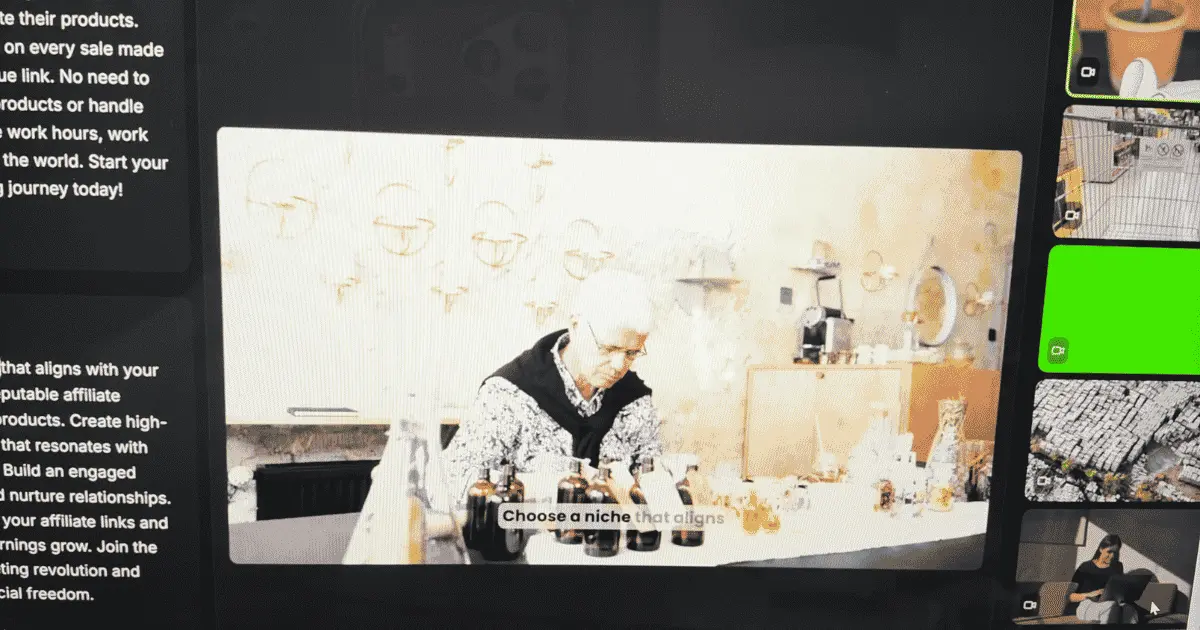
ViddeoAI is more than a video generator. It’s a complete system, with customer support and automatic posting to the channels you connect.
If you want to create and publish without switching between apps, this all-in-one AI script to video generator is the one to look at. It costs more than the other tools, but it’s the only one on this list that also posts for you and comes with real customer support. You don’t need a separate scheduling tool.
- Price$897/year, or four payments of $299.
- Best forBusy creators and businesses who post a lot and want their content on autopilot.
The sales page uses a countdown timer and “limited spots” to push you to buy fast. Don’t let that rush you. Take your time to decide whether it fits how you work.
This is an affiliate link — if you purchase, I may earn a commission at no extra cost to you.
Tool 02 — best value
2. Artlist: best value for images
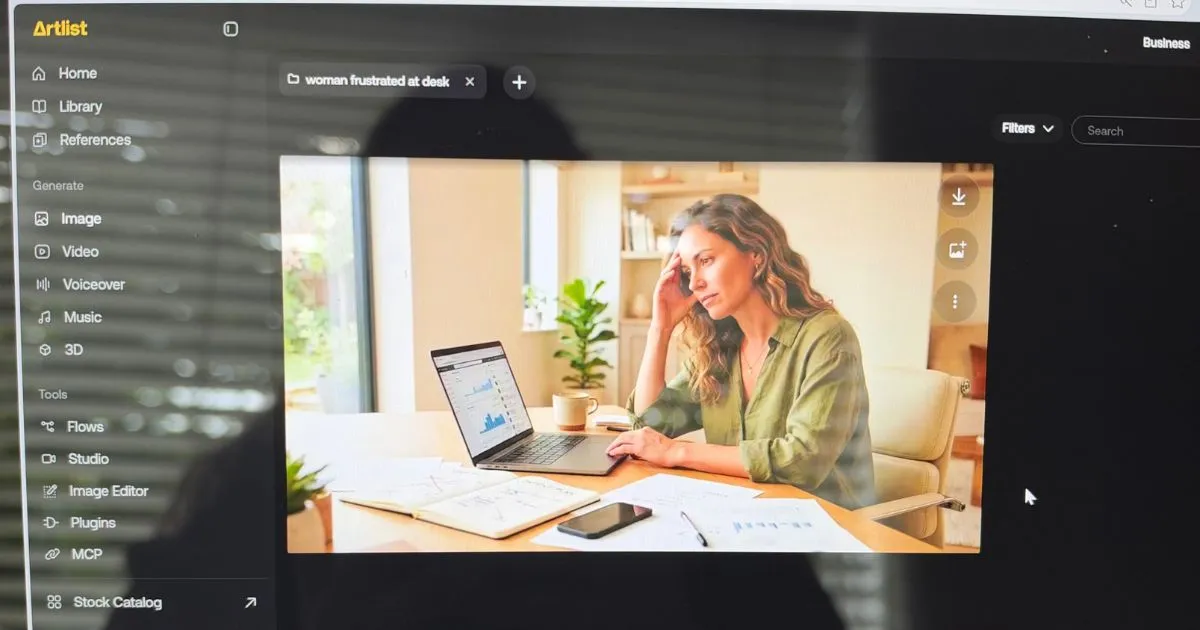
Artlist gave me good images at a fair price. It gives you access to 100+ AI models in one place, including Veo, Kling, Nano Banana, Seedance and ElevenLabs for voiceovers.
For the quality you get, it’s the most affordable tool I tested.
- PriceFrom €11.99/month (16,500 credits, up to 330 AI videos). Core is €23.99/month, Creator €41.67/month. See pricing
- Best forCreators on a budget who want great visuals and many models in one subscription.
Tool 03 — pay as you go
3. fal: best pay-as-you-go option
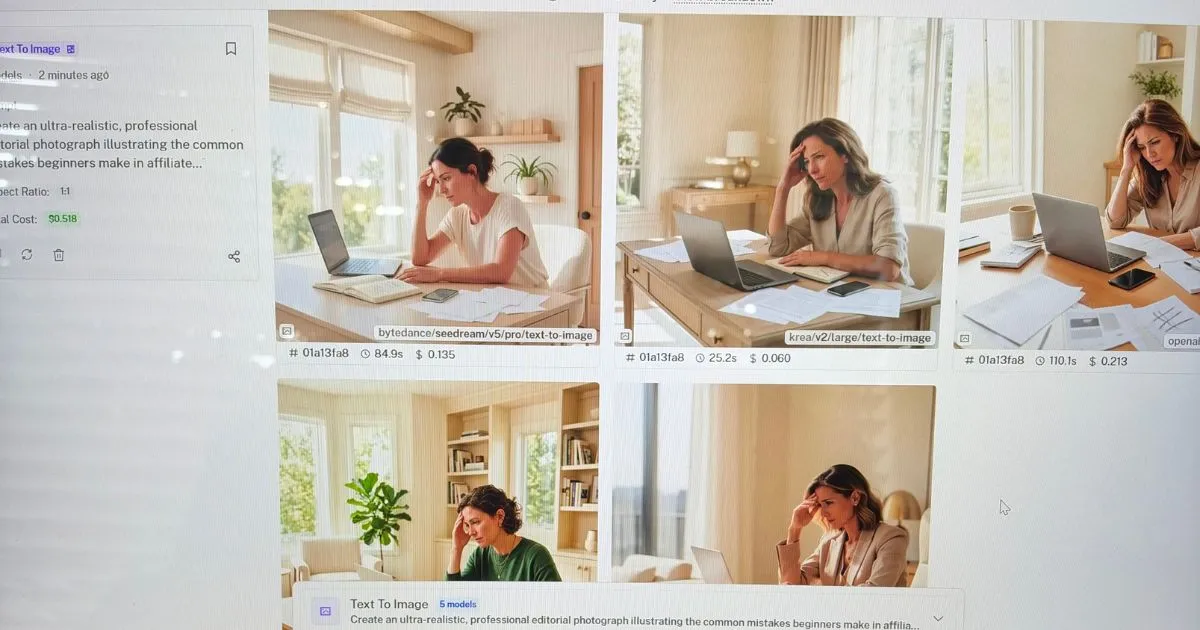
What I like about fal is that you don’t need a subscription. You simply buy credits and pay for each video or image you generate.
If you only create content now and then, this saves a lot of money compared to a monthly plan.
- PricePay per use. Images cost roughly $0.04 to $0.15 each, depending on the model. Video costs about $0.03 to $0.14 per second, so a 5-second clip is roughly $0.15 to $0.70. See pricing
- Best forOccasional creators, and testing different AI models without committing.
Tool 04 — for experienced users
4. Higgsfield: powerful, but confusing for beginners
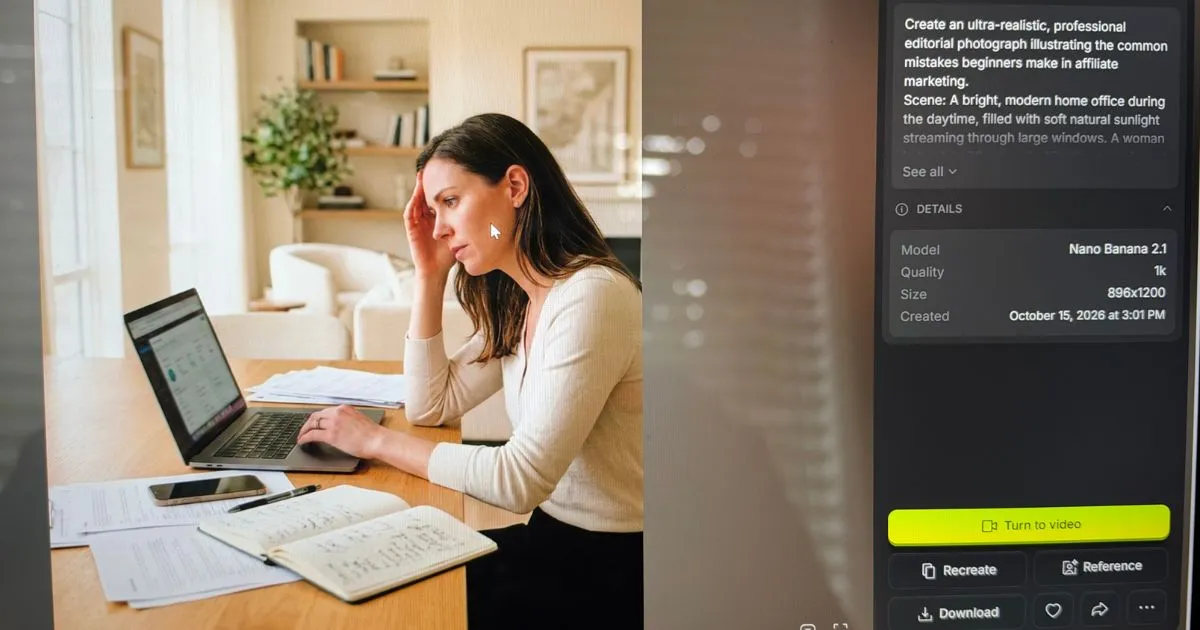
Higgsfield can do a lot: images, video, AI influencers, ads and more. That’s also its weakness. The website is packed with options, and it took me a while to find my way around.
You also need to know what the different AI models do. Higgsfield lets you choose between models like Wan 3.0, Kling and Seedance, but it doesn’t really explain which one to use when. If you’re new to AI video, that’s confusing.
Kling (by Kuaishou), Seedance (by ByteDance) and Wan (by Alibaba) are video models made by different companies. Each has its own strengths, so the same prompt can give very different results.
Once you know your way around, the results are good, but you still need strong prompts. It’s also on the pricey side, so wait for a discount. They run them often.
- PriceFrom €19/month for 270 credits (about 15 short videos). Plus is €47/month (€59 if you pay monthly) and Ultra €99/month. See pricing
- Best forCreators who want quality and already know their AI models.
Tools 05 & 06 — skip for now
5. Pika & PixVerse: didn’t deliver for me
I really wanted to like these two. But even with very detailed prompts, I didn’t always get the video or image I had in mind. Results felt hit-or-miss.
They can work for quick experiments, but not when you need a specific result.
- Pika priceFree plan available. Starter is $8/month, but you need Creator ($28/month) for a commercial license, so you can use your videos for business. See pricing
- PixVerse priceFrom $8/month, but that plan only goes up to 720p. For 4K you need Pro at $24/month. See pricing
Troubleshooting
Why your AI video doesn’t look like what you imagined (and how to fix it)
This happened to me with almost every tool. Even very detailed prompts don’t guarantee the result you see in your head. These habits helped me most:
- One scene per prompt. Don’t describe your whole script at once. Break it into short scenes and generate them one by one.
- Describe the camera. Say how it’s filmed: close-up, wide shot, slow zoom, handheld.
- Describe light and mood. Golden hour, soft studio light, dark and moody.
- Start with an image. Create the perfect still image first, then turn it into video. You get much more control.
- Generate several versions. Make three or four and pick the best, instead of rewriting the prompt each time.
Your decision
How to choose the best script to video AI tool
Ask yourself these questions:
- How often do you create?Every week → a subscription like Artlist. Now and then → pay-as-you-go with fal.
- What matters most to you?Want creating, posting and support in one place → ViddeoAI. On a tighter budget → Artlist or fal. Already familiar with AI models like Kling and Seedance → Higgsfield.
- Do you use the videos for business?Check the plan includes a commercial license. Pika’s cheaper plans don’t.
- What quality do you need?For HD or 4K, check the resolution of the plan before you buy.
Behind the scenes
My workflow: from script to finished video
In my post How to Create an AI Video From a Script I walk you through my full process, step by step.
Questions
FAQ
What is the best script to video AI tool?
If you want one system that creates your videos, posts them for you and comes with support, ViddeoAI is my top pick. On a tight budget, Artlist gives you the lowest price per video.
Can I make an AI video from a script for free?
Partly. Pika has a free plan and PixVerse gives daily credits, but free plans are limited and often not allowed for commercial use. fal is a cheap middle ground: you only pay for what you make.
What’s the difference between text to video AI and script to video AI?
Text to video AI usually means one short clip from one prompt. Script to video AI turns a longer script into a series of scenes that form one video.
Is an AI video subscription worth it?
Only if you create content every week. For occasional videos, pay-as-you-go saves money.
Is ViddeoAI worth $897 a year?
If you post regularly, yes. You create, schedule and publish in one place, with support when you get stuck. If you only make a video now and then, Artlist or fal is cheaper.
The bottom line
My final verdict
If you want to save time and grow your channels, ViddeoAI is the best script to video AI tool I tested: it creates, posts and supports you in one place. On a tight budget, go for Artlist, or fal if you only make videos now and then. Higgsfield is powerful once you know your AI models.
Whichever tool you choose: your prompts make the biggest difference.
Try ViddeoAI →This is an affiliate link — if you purchase, I may earn a commission at no extra cost to you.
Prices checked in October 2026. AI tools change fast, so always check the latest price on the tool’s website.